















What to look for in an expense-splitting app
Fast logging, offline mode, flexible splits, clear balances, and budgets: what really matters in an app to split bills with friends, partners, or roommates.

Splitting expenses with other people seems simple. Until it turns into a mess.
A trip, a shared apartment, a dinner. Any situation with more than one payer creates the same question: who owes whom how much, and when will it be settled? Apps exist to solve that, but it is worth comparing how each one handles the situations your group actually faces.
Here is what really matters when choosing one.
Checklist for comparing expense-splitting apps
Before moving the whole group, test two or three real expenses. The best fit is the app that makes a cost easy to log and a balance easy for everyone to understand, not simply the one with the longest feature list.
| Criterion | Practical test before choosing |
|---|---|
| Fast entry | Time a common expense and count the required fields |
| Flexible splits | Try equal shares, exact amounts, and percentages |
| Offline use | Log without a connection and confirm the later sync |
| Balances and settlement | Check whether everyone understands who pays whom and how much |
| Transparency | Edit an expense and verify that the change remains visible |
| Currencies and budgets | Use a scenario from a real trip or month in the group |
If your main use case is a relationship, try the couple expense split calculator. For friends, trips, or roommates, use the group expense splitting guide.
Logging expenses has to be fast
If adding a bill is a hassle, people stop adding them. And when they stop, balances go wrong and the group goes back to a spreadsheet. Which is worse.
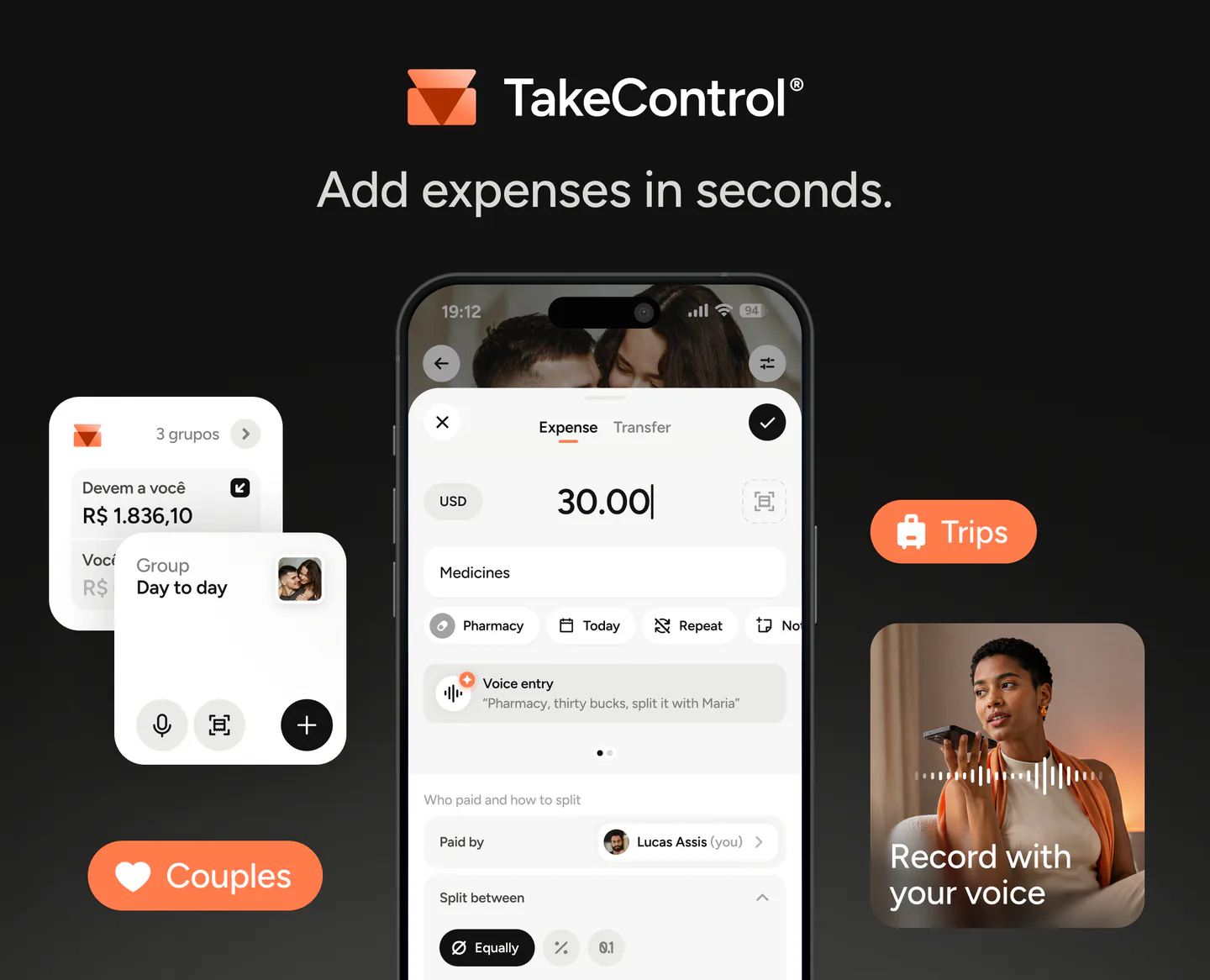
A good app lets you log in seconds, however you prefer: typing with a built-in calculator, voice, or a receipt photo with automatic reading. TakeControl offers all three options; the PRO plan also removes ads.
Works without internet
On trips, parties in places with bad signal, or any unusual situation, the app needs to work offline. You log the expense right away and it syncs when the connection comes back.
Without that, you end up jotting notes and reconstructing everything later. Exactly what the app should prevent. TakeControl truly works offline, with automatic sync when you reconnect.
Flexible split per person
Not every expense is split equally. The app needs to allow equal splits, exact amounts per person, and custom percentages, plus let you include or exclude members on each expense.
Without that flexibility, you will struggle in half of real-life situations.
Clear, simplified balances
The app should answer a simple question: who owes whom how much right now? With no math on your part, no tapping “refresh.”
And when it is time to settle up, the app should suggest the smallest number of transfers possible. Instead of five crossed payments, two or three solve everything.
Multi-currency support
If the group travels, this is not optional. Each expense should keep the currency it was paid in, and the app should show converted balances when you need an overall view.
Group budget
A group budget helps when there is a total, daily, or monthly limit. Tracking progress during the trip or month lets the group adjust upcoming spending before the final settlement.
In TakeControl, you set the budget by period and track how much has been spent and how much is left, right on the group home screen.
Full history and total transparency
When someone edits an expense, the group needs to understand what happened. Without a record, the amount changes and nobody knows what it was before.
Look for a history that shows what changed, the previous amount, who edited it, and when. That record gives the group one shared reference whenever a question comes up.
How TakeControl covers this checklist
In TakeControl, you can test the checklist with these features available in the app:
- Log by voice, photo, or keyboard
- Offline entry with sync when the connection returns
- Group budget with real-time tracking
- History of group edits and changes
- Equal, percentage, or exact-amount splits
The most useful test is to create a small group, add a few expenses, and confirm that everyone understands the balance. You can download TakeControl and run that test before moving the group’s recurring expenses.

I created TakeControl to make splitting expenses between couples and on trips simpler. Here, I share tips, app updates, lessons learned, and content to make managing shared expenses easier.
Frequently asked questions
Logging expenses in seconds, working offline, allowing flexible per-person splits, and showing clear balances with the fewest possible transfers to settle up.
Yes, if you travel or use the app in places with poor signal. The ideal is to log on the spot and sync automatically when the connection returns — without relying on scattered notes.
The app should answer that directly, with no manual math, and simplify debts to reduce cross-transfers between group members.
It is not required, but it helps a lot on trips and in shared houses. Setting a limit and tracking spending in real time avoids surprises at the end of the month or trip.
When someone changes an expense, the group needs to see what changed, who edited it, and when. That prevents mistrust and unnecessary arguments.
