Create a group
For trips, housing, couples or any group hangout.


No more doing the math in your head. Built for couples, trips, roommates and any group that splits expenses.
Take full control in 3 steps
For trips, housing, couples or any group hangout.
Manually, by voice or a photo of the receipt. Split it however you want.
We do the math.
You just need to settle up.
Every feature was designed to remove as much friction as possible from splitting expenses.
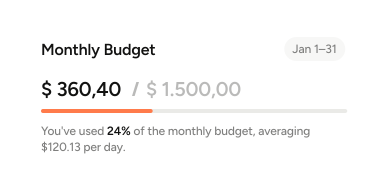
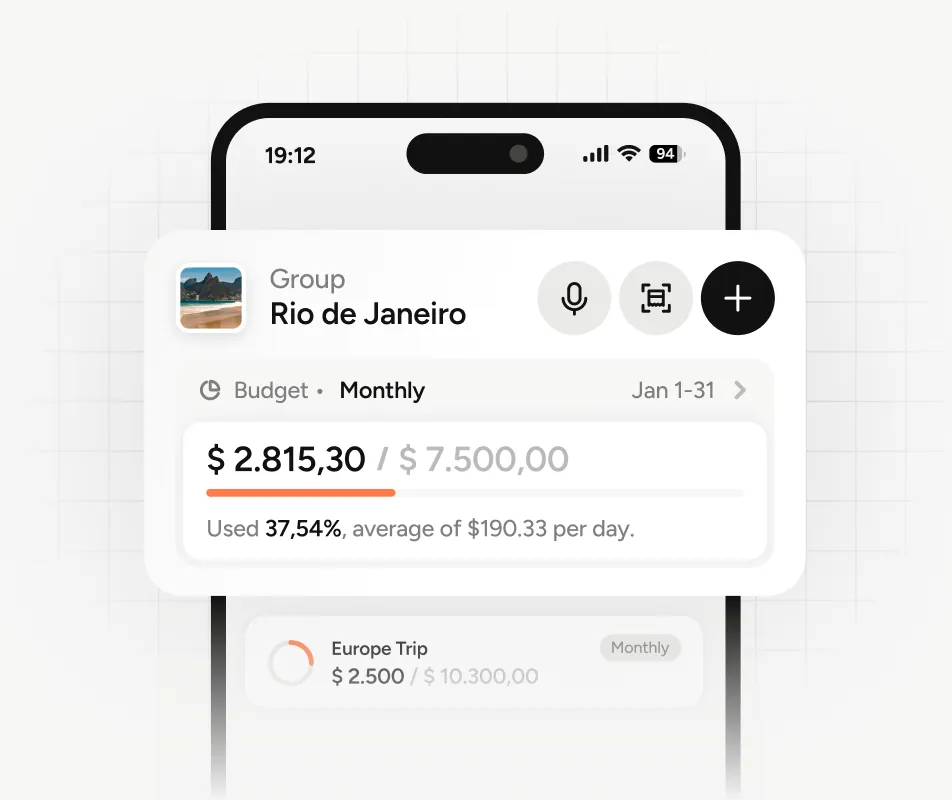
The group in control of spending. Set daily, monthly or total group spending limits and stay in control of how much you spend.
"I paid $180 for dinner, split it equally between Pedro and Olivia." Done. Expense logged without typing anything.
On a plane, in the mountains or anywhere without signal. The app syncs everything when the connection is back.
Rent, subscriptions, installments. Set it once and the app automatically logs your recurring expenses.
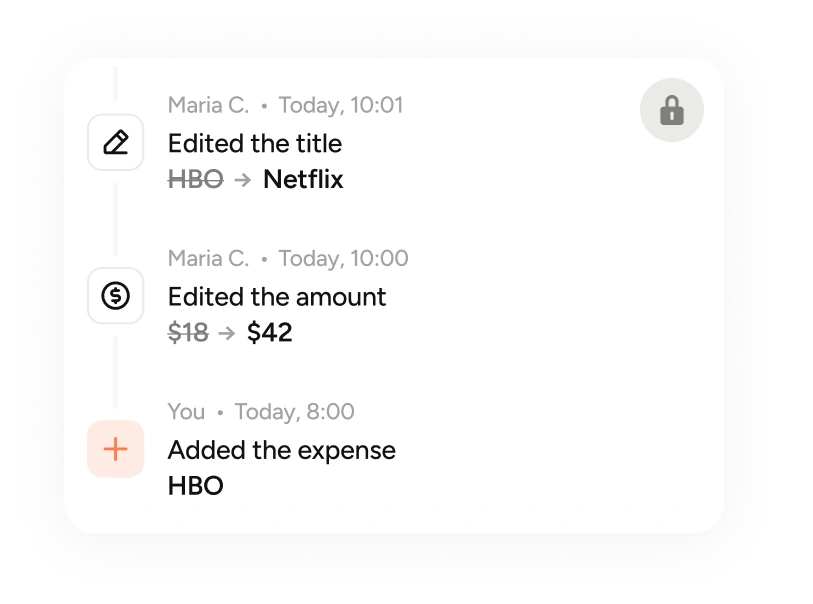
Who created, edited or deleted: everything that happens in the group is logged with date and time. That is security.
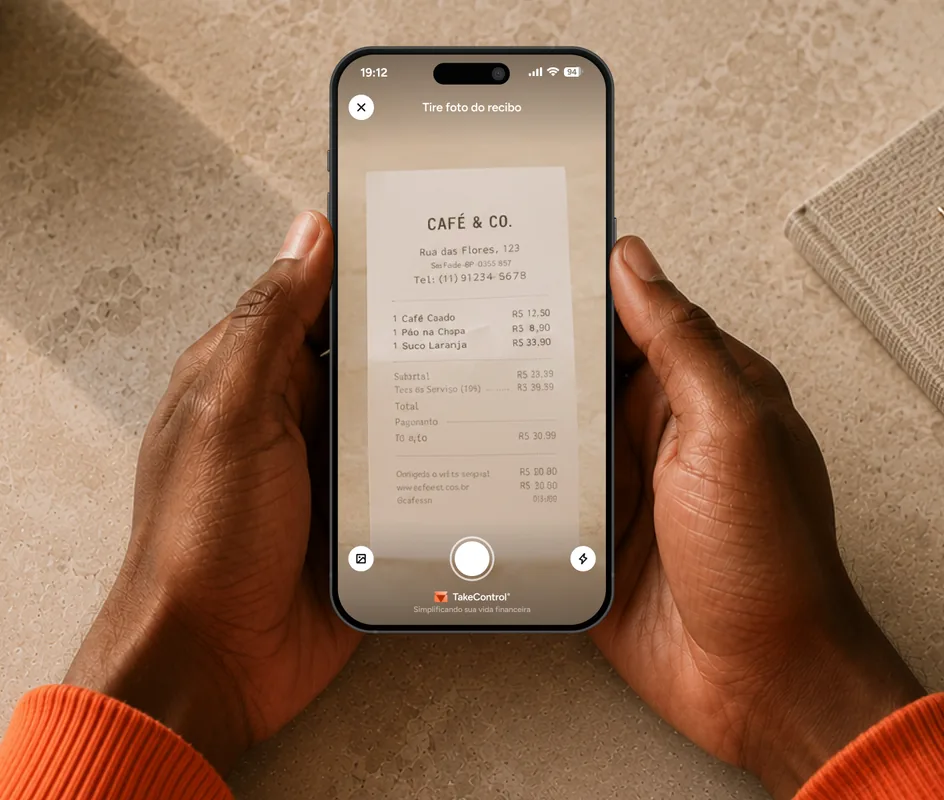
Photograph the receipt and the app fills in everything: Expense name, amount, date, notes, payment method and other information.
From expense to settle-up — see how the app simplifies your group’s routine.
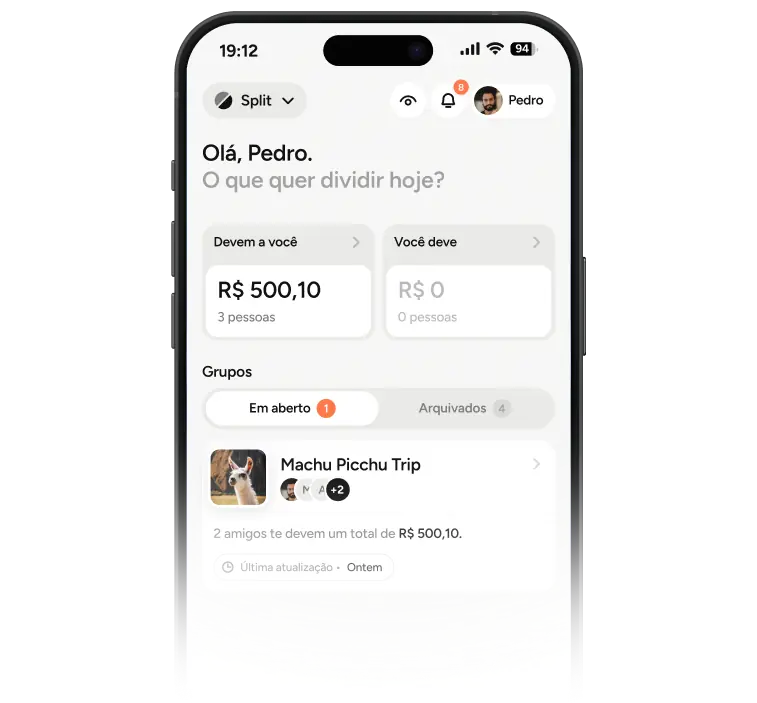
See the group at a glance: totals, recent activity and what needs attention — all in one place.
Create groups for trips, housing, couples or any hangout. Invite who you need and keep everything organized.
Choose how to split and the app distributes instantly. Equally, by percentage or the exact amount for each person.
Track who owes whom in real time. The app simplifies settlements so you need fewer transfers.

Small features that make splitting expenses simpler every day.
Bring over your groups and full Splitwise history. Pick up exactly where you left off.
Equally, by percentage or fixed amount. Choose how to split and the app calculates instantly.
Over 130 currencies with automatic conversion. See balances in the currency that makes sense.
Your data stays protected with encryption and restricted access. Only you see what is yours.
Face ID or fingerprint to open the app. Extra security if you share your phone.
The app nudges whoever needs a nudge — without you chasing anyone on WhatsApp.
Comment on an expense or the group. Everyone sees it in the app, nothing gets lost in chat.
The app reorganizes who pays whom and cuts down transfers without changing what anyone owes.
Every expense lands in the right category on its own. Organized history from day one.
Add, split and settle without leaving the app. Perfect for quick splits on the spot.
Download all your data whenever you want. Simple, fast and compatible with any spreadsheet.
See a group overview with totals, trends and useful information about activity.
Ditch the annoying timers and get the best experience with the only app your whole group will want to use.
Features
TakeControl 2026
Splitwise 2026
The comparison data above was collected from public information on July 4, 2026 and reflects the services as they were on that date.
Yes. TakeControl is free to download and use. The free plan covers everyday use well. If you want advanced features like currency conversion and search filters, there is the PRO plan.
It does. You log expenses offline and the app syncs everything automatically as soon as the connection is back.
No. You can log expenses for people who do not use the app. But when everyone has it, tracking and settling up is even easier.
Yes. Your data is stored with encryption and access protected by biometrics. Only you see what is yours.
You can. Your groups and Splitwise history arrive complete in TakeControl. You pick up where you left off.
Yes. Over 130 supported currencies with automatic conversion, ideal for trips and international groups.