















Kittysplit vs. TakeControl: which expense app should you use?
Compare Kittysplit and TakeControl on sign-up, web access, free limits, currencies, receipts, offline use, and tools for ongoing groups.
Kittysplit or TakeControl? Choose Kittysplit for a weekend trip, party, or other short-lived group when no one wants to create an account. Choose TakeControl for a couple, household, or recurring group that needs offline entry, budgets, recurring bills, installments, voice entry, or receipt OCR.
Both tools handle the core job: record who paid, decide who shares each expense, calculate balances, and reduce the number of transfers needed to settle up. The meaningful difference is not the arithmetic. It is how quickly people can join and how much help the tool provides before and after each entry.
Disclosure: this comparison is published by TakeControl. We checked Kittysplit’s official pricing and help pages on October 14, 2026. Kittysplit has genuine advantages and can be the better product for some groups. Features and offers may change after that date.
Kittysplit vs. TakeControl at a glance
| Criterion | TakeControl | Kittysplit |
|---|---|---|
| Access | iOS and Android | Web, iOS, and Android |
| Joining a group | App for direct collaboration; one user can add local members | Shared link; no mandatory account |
| Free tier | Up to 8 expense entries per day and 6 groups | Unlimited expenses; up to 9 people |
| Split methods | Equal, percentages, or exact amounts | Equal, shares, percentages, or fixed amounts |
| Multiple payers on one expense | Yes | No |
| Fewer settlement transfers | Yes | Yes |
| Offline entry | Yes | Not listed on the pages reviewed |
| Multiple currencies | 75 currencies; conversion and custom rates with PRO | Paid plan; converts into the group’s base currency |
| Receipts | Attachments plus automatic OCR reading; free plan: 10 attachments and 4 OCR scans in total | Photo attachments only on the paid plan (paid per group) |
| Voice entry | Yes | No |
| Budgets | Daily, monthly, or total | No |
| Recurring bills and installments | Yes | No |
| Export | CSV | XLSX |
| Paid model | Monthly, yearly, or lifetime PRO; store price varies | One-time payment per group |
Sources: Kittysplit’s official pricing and help pages and TakeControl’s plans page, reviewed on October 14, 2026. Features and prices may have changed since then. For offline entry, “not listed” means we did not find the feature on those pages; it is not a claim that the feature is technically impossible.
Where Kittysplit is better
A link gets everyone into the group
Kittysplit’s clearest advantage is how little setup it requires. One person creates a group, enters the participants’ names, and shares its unique link. Everyone else can open that link, add what they paid, and read the balance in a browser without creating a password or installing an app.
That is a substantial benefit for temporary groups. Picture eight people sharing a cabin for one weekend. They have different phones, one person is on a work device, and another refuses to download anything for a two-day trip. Kittysplit removes the tool itself from the negotiation.
TakeControl can include local members, so a person does not need an account to appear in the calculations. However, anyone who wants to follow and edit the group independently uses the mobile app. If instant web collaboration is a requirement, Kittysplit wins this category decisively.
The free tier does not ration expense entries
A free group supports up to nine people and unlimited expenses, comments, and categories. Equal, share-based, percentage, and fixed-amount splits are included, as is settlement simplification.
TakeControl’s free plan allows up to six groups and eight expense entries per day. In return, it includes limited receipt attachments, OCR and voice trials, budgets, recurring and installment expenses, and multiple payers. Which plan feels more generous depends on the constraint your group hits first: raw entry volume or tools for managing those entries.
Shares, full web access, and a one-off group upgrade
Shares are intuitive when two people act as one unit, a child counts as half a portion, or someone stays fewer nights. TakeControl can reproduce the final result with percentages or exact amounts, but Kittysplit expresses the “parts” logic directly.
If the group needs more than nine people, several currencies, receipt photos, insights, grouped participants, or a read-only link, Kittysplit’s paid plan is a one-time purchase for that group rather than a subscription for each member. Kittysplit calls each group a “Kitty” and this upgrade “Super Kitty.” Kittysplit localizes the displayed amount, so check the current price on its pricing page.
Where TakeControl is better
Less repetitive work for groups that stay active
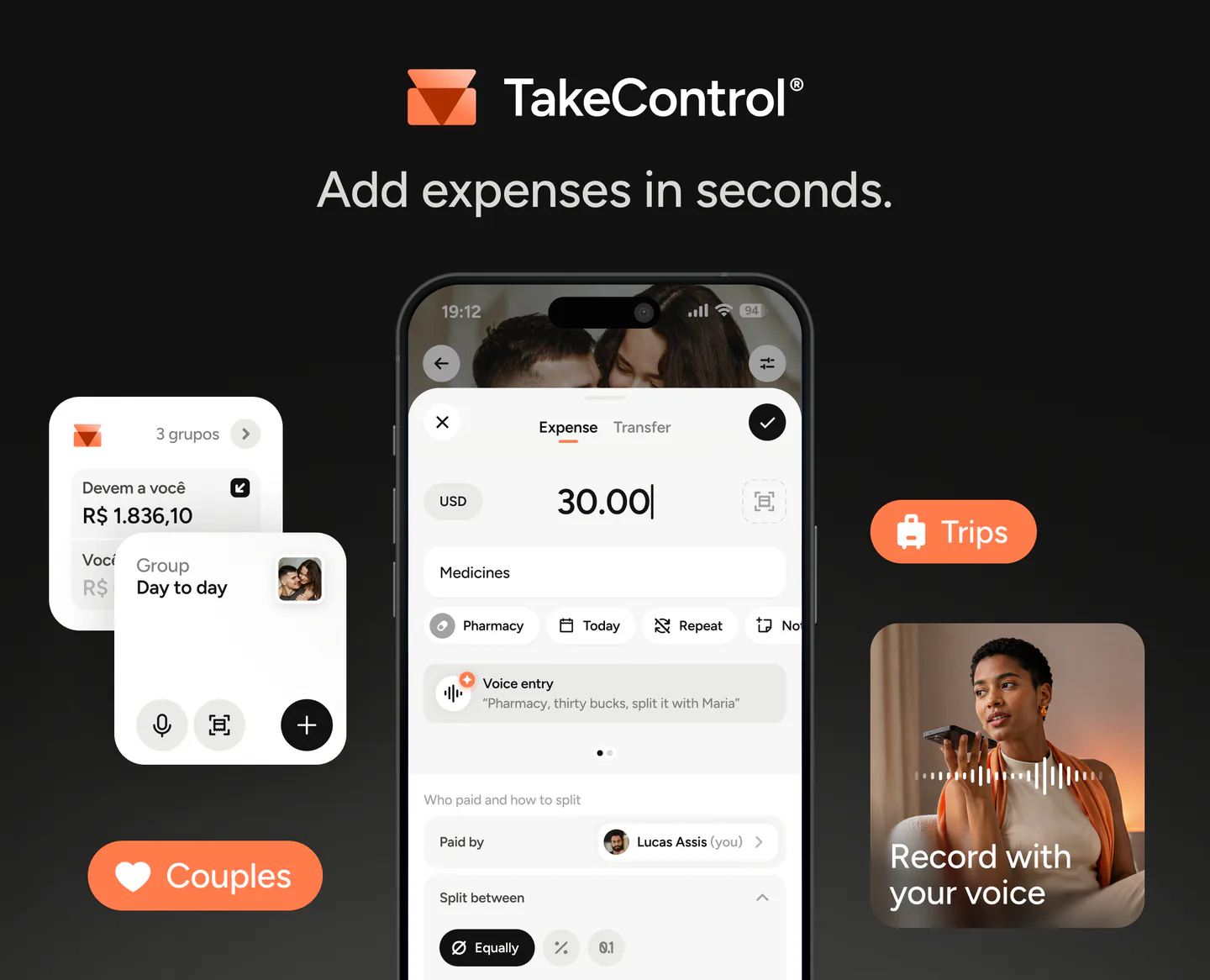
On a long trip or in a shared home, small annoyances repeat every week. TakeControl lets you speak an expense or photograph a receipt so the app can prefill the merchant, amount, and date for review. It also supports multiple payers on a single expense, useful when two cards cover one hotel booking.
Budgets show how much of a daily, monthly, or trip-wide limit has been used. Recurring expenses prevent people from rebuilding rent and subscriptions every month, while installments place a purchase into the relevant periods. These tools matter when the group needs a routine, not only a final balance.
You can review the current limits on the TakeControl pricing page and compare a broader field in our guide to the best expense-splitting apps.
Offline entry and more control over exchange rates
TakeControl can log expenses without a connection and sync later. That is useful on flights, road trips, mountain stays, and international journeys with unreliable service. Original amounts remain separated by currency instead of being silently added together.
PRO can display converted balances in a reference currency and lets the group set a custom exchange rate. A custom rate is helpful when a card issuer’s posted rate differs from an automatic reference rate. Kittysplit’s paid plan takes a different, reasonable approach: it converts expenses into the group’s base currency using the rate for the expense date and displays debts in that currency.
Kittysplit remains attractive when everyone has a connection and browser participation matters most. TakeControl has the edge when recording a payment immediately, even without service, is non-negotiable.
More context around each expense
TakeControl combines group-specific categories and subcategories, notes, receipt attachments, edit history, search, and spending insights. A household can use a different structure from a vacation group, and a monthly budget can sit alongside balances by person and currency.
Kittysplit also provides categories, comments, history, spreadsheet export, and, on the paid plan, spending insights. It does not offer voice entry, budgets, recurring bills, installments, or multiple payers on one expense. Its product philosophy is leaner: reach a trustworthy balance with as little friction as possible. TakeControl is designed to keep the group useful for longer and reduce the work of entering and reviewing expenses.
What both do well—and what neither one does
Both tools support unequal splits, exclude people who did not take part in a purchase, and recalculate balances after an edit. Both simplify debts so people do not have to repay every original payer one purchase at a time.
Neither product is a bank account. They calculate and record settlements; the actual payment happens through the bank or wallet the group chooses. Their trade-offs are worth stating plainly:
- TakeControl has no web app, and its free plan limits daily entries;
- Kittysplit caps a free group at nine people and places multi-currency use and receipt photos in the upgrade;
- Kittysplit optimizes for link-based access; TakeControl optimizes for an ongoing mobile workspace;
- app-store offers, limits, and features can change.
Three scenarios that make the choice easier
A party or weekend trip with up to nine people
The group wants to start in a minute, nobody wants an account, and the event ends on Sunday. Expenses are straightforward and everyone expects to have a connection. Choose Kittysplit. Its shared link and unlimited free entries fit the job with less setup.
An international trip with patchy service
Purchases happen in different currencies, two people may pay one booking, and the group wants a trip budget. TakeControl is likely the better fit. Offline entry, multiple payers, budgets, and custom rates address those exact problems.
A couple or household using the group all year
Rent, utilities, and subscriptions recur. Larger purchases may be paid in installments, and the group wants to search old expenses and watch trends. TakeControl is likely the better fit. For an occasional outing with guests, the same household might still open a separate Kittysplit group.
Test both without choosing from a marketing claim
Create the same group in each tool and enter five real situations:
- one expense shared equally;
- a purchase one member did not join;
- a percentage or share-based split;
- a payment in another currency;
- a partial settlement between two people.
Notice how long it takes people to join, enter, correct, and understand each balance. Our guide to what to look for in an expense-splitting app turns that test into a practical checklist.
So, Kittysplit or TakeControl?
Choose Kittysplit if you:
- want to share a link with no mandatory sign-up;
- need full browser access or a mix of devices;
- have up to nine people and many free expense entries;
- prefer a one-time upgrade for a specific event;
- naturally describe uneven splits as shares.
Choose TakeControl if you:
- expect the group to remain active after the trip or event;
- need offline entry or multiple payers;
- want voice, OCR, budgets, recurring bills, and installments;
- need separate currency balances or a custom conversion rate;
- prefer to search and analyze an ongoing group from your phone.
There is no universal winner. Kittysplit reduces the work of getting people in; TakeControl reduces the work of keeping the group organized over time. Choose the friction you need to remove.
Try TakeControl with your own expenses
Download TakeControl for free, recreate the entries your group actually makes, and compare that workflow with Kittysplit before committing.
Download TakeControl and see whether its ongoing-group tools fit the way you share expenses.
 Download for iPhone
 Download for Android

I created TakeControl to make splitting expenses between couples and on trips simpler. Here, I share tips, app updates, lessons learned, and content to make managing shared expenses easier.
Frequently asked questions
Kittysplit is usually better for a short event with no mandatory sign-up because everyone can join by link in a browser. TakeControl is usually stronger for recurring groups, couples, and trips that benefit from offline entry, multiple payers, budgets, voice, receipt OCR, recurring expenses, and installments.
Kittysplit includes unlimited expenses and up to 9 participants for free. Its paid plan, bought once per group, raises the limit to 100 and unlocks multiple currencies, receipt photos, insights, default shares, grouped participants, and a read-only link. The displayed price is localized.
Yes. Both calculate balances, support custom splits, and simplify settlement payments. The main trade-off is Kittysplit’s no-account web link versus TakeControl’s deeper mobile tools for entering, budgeting, and reviewing ongoing expenses.
Not with Kittysplit: participants can open the shared link in a browser and contribute without an account. TakeControl lets one user include local members who do not use the app, but someone who wants to follow and edit the group directly needs the mobile app.
It depends. Kittysplit’s paid plan converts multi-currency expenses into the group’s base currency and works in a browser. TakeControl records expenses offline, preserves balances by currency, and lets PRO users convert balances or set a custom group rate. Connection, collaboration, and exchange-rate needs should decide.
Kittysplit’s paid plan, bought once per group, lets the group attach receipt photos. TakeControl can attach receipts and use OCR to prefill expense details from the image. The free plan includes 10 receipt attachments and 4 OCR scans in total; after that, PRO unlocks more.
