















Split a restaurant bill, down to the last cent
Divide the bill evenly or by what each person ordered, add a tip or service charge, and see exactly what everyone owes. Share the final split with a link or PDF.
How to use the bill split calculator
Start by choosing whether everyone will split the bill evenly or pay for what they ordered. Then enter the subtotal before tip, set the tip or service-charge percentage, and add any fixed charges such as a cover charge or delivery fee.
The result updates instantly and always adds up to the exact total. When the split looks right, copy a link that contains the calculation or download a PDF for the group chat.
How to read the bill split result
The result separates the bill amount, tip or service charge, fixed extras, and each person’s final total. With an even split, everyone starts with the same share; with an itemized split, each guest gets their own items plus a proportional share of the tip.
| Result line | What it means |
|---|---|
| Order or subtotal | The amount assigned before tip, service charges, and extras |
| Tip or service charge | The share calculated from each person’s order |
| Extras | Fixed costs, such as a cover or delivery fee, divided among the guests |
| Total per person | The final amount each guest needs to pay |
If you enter the receipt total, use the comparison message to find missing or duplicated items before sharing the result.
Split evenly or by item: which works best?
Even split
This is the quickest option when everyone ordered roughly the same amount and has already agreed to divide the bill equally. Enter the subtotal and number of guests, and the calculator allocates the full total, including tip and extras.
Itemized split
This is fairer when orders vary. Add each dish or drink with its price and quantity, then select who had it. An item can belong to one guest or be shared by several people.
Want to agree on the ground rules before the check arrives? Read our guide to splitting a bar tab without awkwardness.
How to handle tips and service charges
Enter the percentage your group wants to add to the subtotal. For example, a $200 subtotal with a 20% tip adds $40, bringing the total to $240 before any fixed extras.
With an itemized split, the tip follows each person’s share of the food and drinks. Someone responsible for 40% of the subtotal pays about 40% of the tip. Tipping customs and service charges vary by venue and country, so check the bill first and avoid entering a charge that is already included.
Share dishes without losing a cent
Select everyone who shared an item. A $36 pizza shared by three guests, for example, adds $12 to each person’s order. If an amount does not divide evenly, the calculator assigns the leftover cents consistently and explains the adjustment in the result.
Every calculation is performed in the currency’s smallest unit. That prevents rounding gaps and makes sure the individual shares add up exactly to the bill total.
Useful for restaurants, bars and delivery orders
- Dinner with friends or lunch with coworkers.
- A bar tab where only some people ordered alcohol.
- Pizza, appetizers or shared plates.
- A group delivery order with individual dishes and a shared fee.
If one person placed the order, list the items before requesting payments. Our guide to splitting a group delivery order covers shared fees and individual items in more detail.
One bill is settled. TakeControl makes the next ones easier
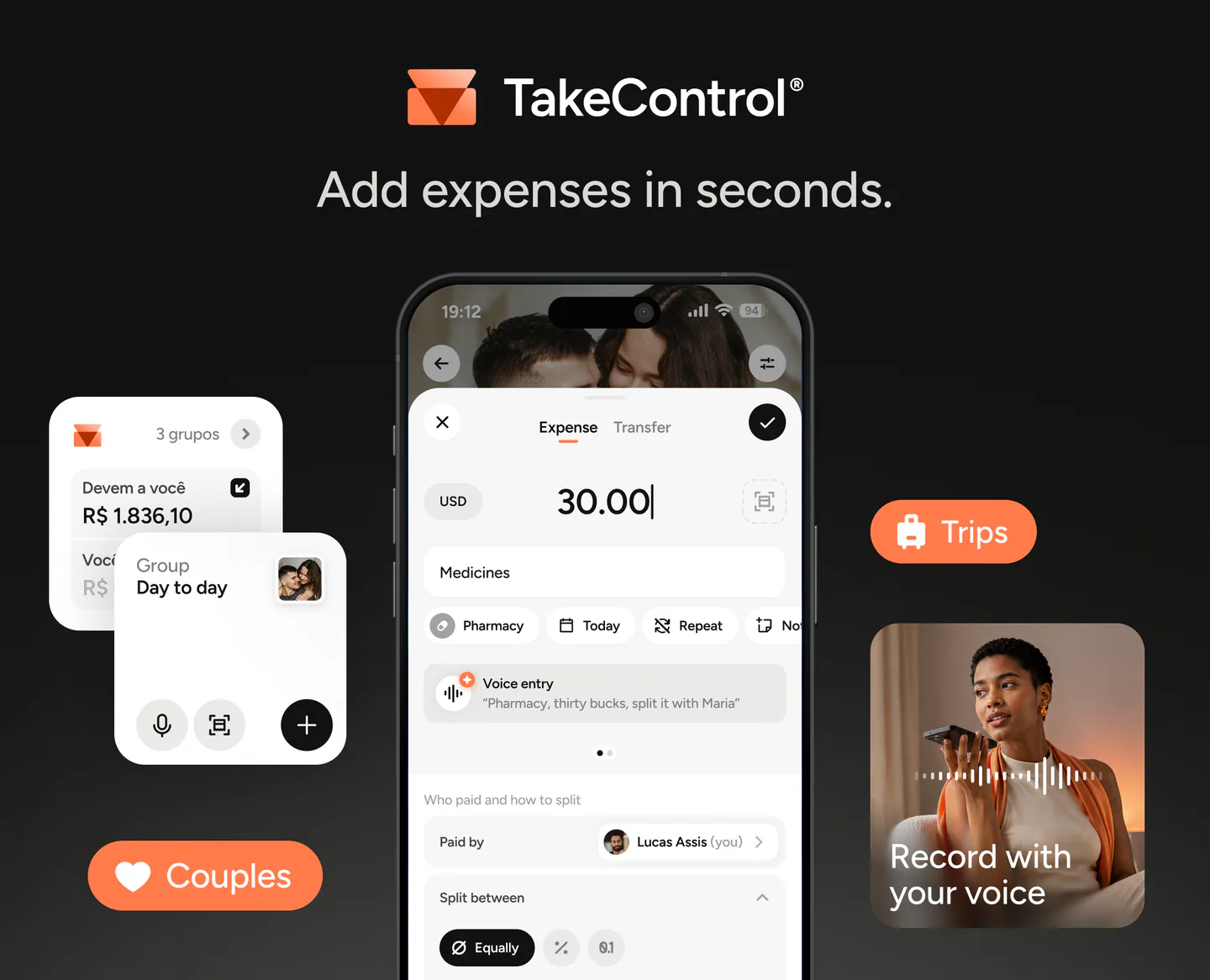
This calculator is ideal for a one-off bill. To track several expenses, payers and settlements over time, use TakeControl. The app records each group expense and automatically keeps everyone’s balance up to date.
Frequently asked questions
Enter the subtotal before tip, choose the number of guests, and set the tip and any fixed extras. For an even split, the calculator divides the full total among everyone. If people ordered different amounts, switch to the itemized mode and select who had each dish or drink.
Multiply the subtotal by 20% and add it to the bill. On a $200 subtotal, the tip is $40 and the total becomes $240. The calculator does this automatically and, in itemized mode, allocates the tip in proportion to each person’s order.
Check the bill before adding another percentage. If the venue has already included a service charge and the group does not want to add anything else, enter 0%. Tipping practices differ by country and venue.
Use the itemized mode, add the drinks, and select only the people who had them. The drink cost and its proportional share of the tip will be assigned to those guests only.
Select everyone who shared the dish. The line total, calculated from unit price times quantity, is divided evenly among the selected guests.
The calculator distributes the leftover cents among the first people in the list. Every individual amount is shown, and all shares still add up exactly to the final bill.
No. The currency setting changes the symbol, decimal places and number format, but it does not look up exchange rates or convert the values you enter.
No. The calculation runs in your browser and TakeControl does not save it. If you copy a result link, the names, items and amounts are encoded in that link so the recipient can reconstruct the split.


Have total control when splitting expenses
Perfect for couples, trips, or any group
Free for iOS and Android.