















TakeControl vs. Splid: which expense-splitting app fits your group?
Compare TakeControl and Splid across offline use, currencies, custom splits, exports, automation, and free plans to choose the right app.
TakeControl or Splid? The short answer: choose Splid for a simple, no-sign-up trip ledger; choose TakeControl when the group needs more organization after the vacation, dinner, or first month of shared bills.
Both apps record who paid, calculate each person’s share, and reduce the number of transfers needed to settle. The meaningful difference is what happens beyond that core job.
Splid keeps the experience deliberately lean. TakeControl adds automation and planning tools for people who split expenses often—especially couples, roommates, families, and groups that want to monitor a budget.
How we compared the apps
This comparison is published by TakeControl, so it should not be mistaken for an independent review. To make it useful and verifiable, we applied the same criteria to both products and checked Splid’s official website, Google Play listing, and US App Store listing on September 22, 2026.
If a Splid feature does not appear in those sources, the table says “not listed officially” instead of claiming that it does not exist. Features, limits, and store prices can change, so check your local listing before making a final decision.
TakeControl vs. Splid at a glance
| Criterion | TakeControl | Splid |
|---|---|---|
| Model | Free plan + PRO | Free download + in-app purchases |
| Free use | Up to 8 entries per day and 6 groups | Store pages do not explain every limit |
| No-sign-up use | Not its approach | Yes |
| Works offline | Yes | Yes |
| Shared groups | Yes | Yes |
| Unequal splits | Yes | Yes |
| Multiple payers | Yes | Yes |
| Debt simplification | Yes | Yes |
| Available currencies | 75 | More than 150 |
| Automatic conversion | PRO | Yes, according to Splid |
| Voice entry | Yes, with AI | Not listed officially |
| Automatic receipt scanning | Yes, with OCR | Not listed officially |
| Group budgets | Yes | Not listed officially |
| Recurring and installment expenses | Yes | Not listed officially |
| Reports and exports | CSV | PDF and Excel summaries* |
| Splitwise import | Yes | Not listed officially |
* Splid’s official listing marks Excel export as an in-app purchase. Availability may differ between platforms.
Where Splid is better
You can start without creating an account
For a weekend trip, a group dinner, or a shared rental, setup friction matters. Splid lets you create a group without signing up and choose between keeping it locally on one device or syncing it with other people.
That works well when nobody wants to create yet another account before recording the first expense. The flow is clear: create the group, share it, and start adding costs.
It covers more currencies
Splid advertises more than 150 currencies with automatic conversion. Picture a road trip from Seattle to Vancouver: some bookings are in US dollars, while gas, meals, and parking are charged in Canadian dollars. Entering each purchase in its original currency is far cleaner than maintaining a second set of calculations in a notes app.
TakeControl also supports multiple currencies and offline entry, but currently covers 75 currencies and includes automatic conversion in PRO. If broad currency coverage is the deciding factor, Splid has the edge.
It creates PDF and Excel summaries
Splid offers PDF and Excel summaries, although its store page marks Excel export as an in-app purchase. A ready-to-send summary can be convenient for the person closing out a trip.
TakeControl exports CSV, which is easier to manipulate in Excel, Google Sheets, or another spreadsheet but less presentation-ready.
Where TakeControl is better
Adding expenses takes fewer steps
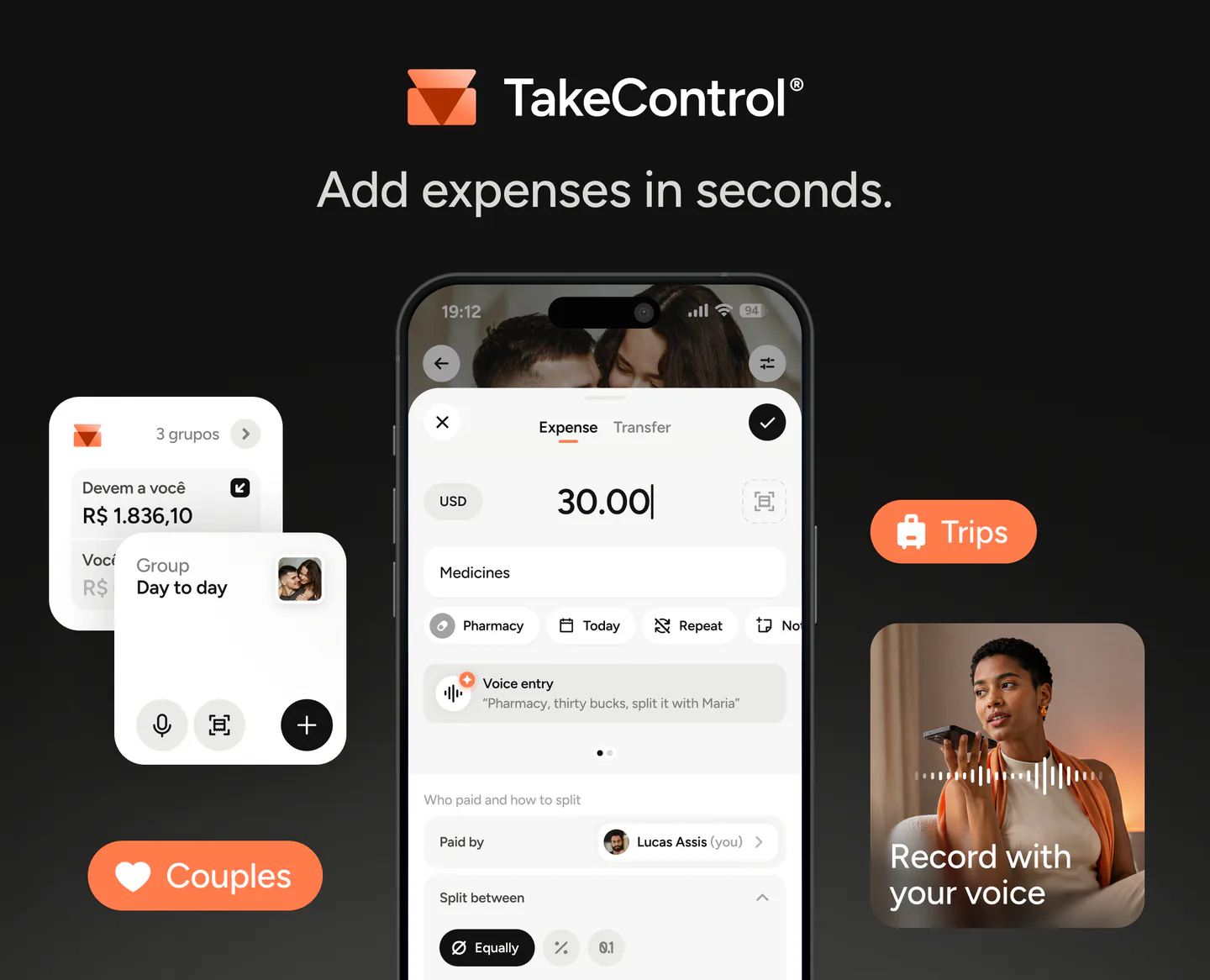
The smaller the purchases, the more repetitive manual entry becomes. In TakeControl, you can say “Groceries, $86.40, split it between me, Chris, and Maya” or photograph a receipt so OCR can prepare the merchant, amount, and date.
Voice entry and receipt scanning each include four free uses; continued access is part of PRO. That trial is enough to see whether automation genuinely saves time in your routine.
Splid’s official pages do not list an equivalent voice or automatic receipt-reading workflow.
It organizes the month, not just the final settlement
Splid answers “who owes whom?” very efficiently. TakeControl also tries to answer “how much have we spent, and what is still coming up?”
You can set up:
- daily, monthly, or total budgets for a group;
- rent, internet, and subscriptions as recurring expenses;
- purchases paid in installments or on a payment plan;
- custom categories and subcategories;
- a saved default split, such as 50/50 or 60/40, without forcing one model on every couple;
- widgets and an edit history.
Those tools matter more when the group remains active all year. If that sounds familiar, see our guide to managing recurring household expenses as a couple.
It can bring over a Splitwise history
People comparing alternatives often have years of data in another app. TakeControl can import groups and expenses from a Splitwise CSV export, reducing the cost of testing a new tool without erasing the old record.
Two scenarios where the choice becomes clear
A short international trip
Four friends are away for five days. Cell service may be unreliable, nobody wants another account, and expenses arrive in both USD and CAD.
Splid is probably the more practical choice. No-sign-up use, offline entry, and support for more than 150 currencies match that scenario almost exactly. Our group-trip guide can help everyone agree on the rules before departure.
A couple or long-running household
The group will still be active next month. Rent, groceries, utilities, and streaming repeat; shares may not be equal; both people want to know whether the household budget is on track.
TakeControl is likely the better fit. Recurring costs, saved splits, budgets, categories, and automation eliminate work that would otherwise return every week. If you are still defining your criteria, read what to look for in an expense-splitting app.
So, which one is worth choosing?
Choose Splid if:
- you want to start without signing up;
- your main use case is a trip or occasional group;
- you need especially broad currency support;
- you prefer an interface focused on the essentials;
- you want a PDF or Excel summary.
Choose TakeControl if:
- you split costs continuously with a partner, family, or roommates;
- you want voice entry or receipt scanning;
- you need budgets, recurring expenses, or installment tracking;
- you value categories, widgets, edit history, and saved splits;
- you want to import an existing Splitwise history.
There is no universal winner. Splid lowers the barrier to getting started; TakeControl lowers the effort of keeping things organized. That is the difference most likely to determine the right choice for your group.
Try TakeControl with your own group
TakeControl is available on iOS and Android. The free plan lets you test it in a real routine before deciding whether PRO is useful to you. Compare the current plans or download TakeControl to give it a try.
Download TakeControl for free and see whether it fits your group.
 Download for iPhone
 Download for Android

I created TakeControl to make splitting expenses between couples and on trips simpler. Here, I share tips, app updates, lessons learned, and content to make managing shared expenses easier.
Frequently asked questions
Both can be downloaded and used for free. TakeControl has a free plan with up to 8 entries per day and 6 groups, plus a PRO plan. Splid’s store listings show in-app purchases, including Splid Plus; prices and unlocked features can vary by country and over time.
Splid has a clear advantage for an occasional trip: it requires no sign-up, works offline, and advertises more than 150 currencies with automatic conversion. TakeControl also works offline and supports multiple currencies, while adding trip budgets, voice entry, and receipt scanning.
Yes. Both apps let you record expenses without an internet connection. Shared groups synchronize when the device is back online.
Yes. Splid’s official pages list unequal splits, multiple payers, and a calculation that minimizes the number of transfers needed to settle. TakeControl supports these options as well.
TakeControl is usually the better fit for ongoing use because it combines recurring and installment expenses, group budgets, custom categories, default splits, widgets, and an edit history.
Those features were not listed on the official Splid pages checked on September 22, 2026. TakeControl includes AI voice entry and OCR receipt scanning as part of its expense-entry workflow.
